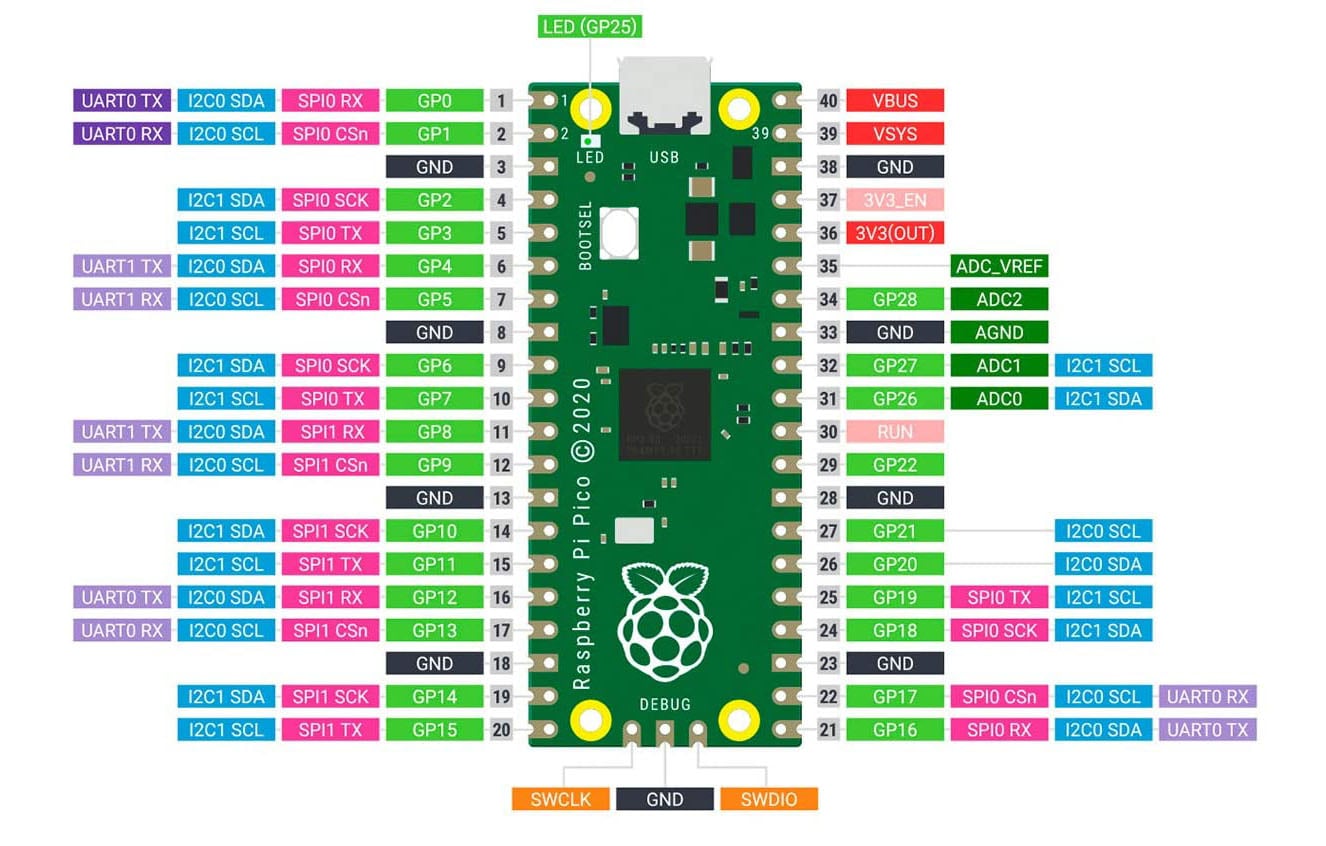
Introduction
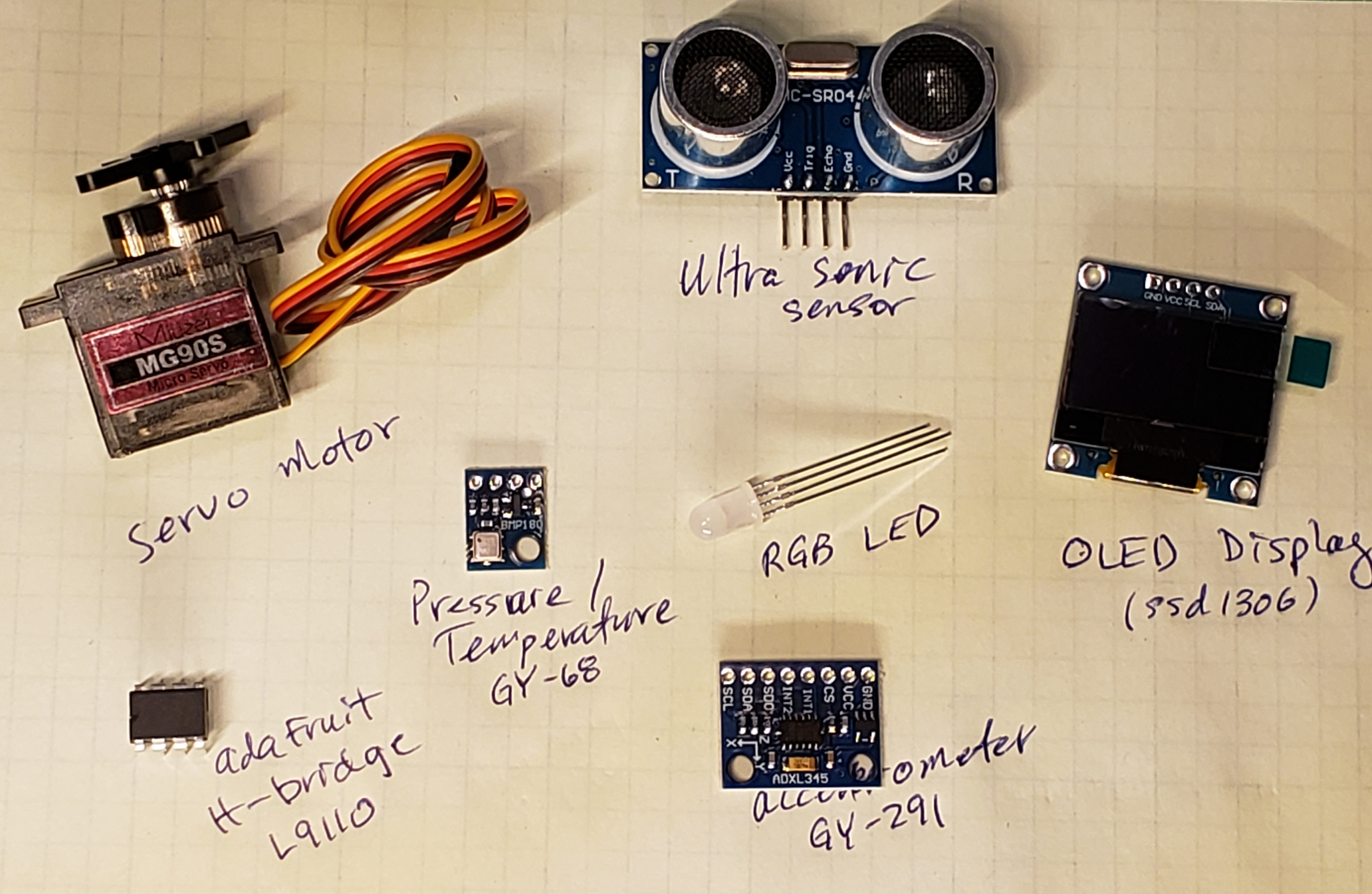
professorOwl_org: embedded systems: laboratoryExercises
Basic Lab Exercises (Lab #1)
Topics: Setup Pi Pico, sw dev IDE, outputs and LED's.
Presentation: Embedded Systems: Programming for Beginners
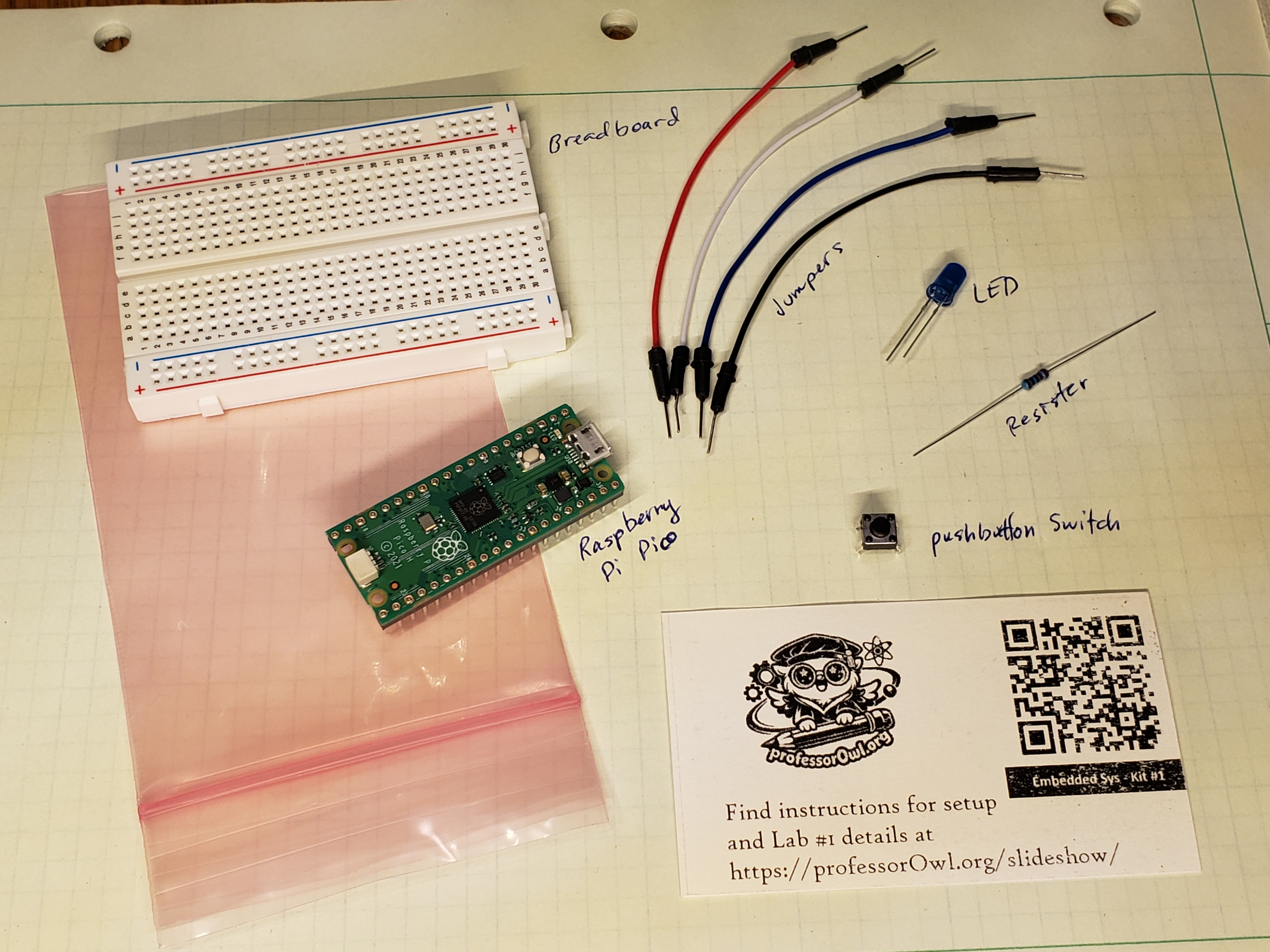
Parts required for the Embedded Systems intro lab (Lab #1):
Basic Lab Exercises (Lab #2)
Topics: Inputs and Pushbuttons.
Presentation: Embedded Systems: Lab #2, Inputs
The introductory kit includes the following parts:
- No additional parts needed; based on Lab#1 list
- Push-button switch required, and
- (x2) jumpers required for Lab#2.
- Note: lab kits are incremental. Parts from previous labs are needed.
Basic Lab Exercises (Lab #3)
Topic: Pulses and Signals
Presentation: Embedded Systems: Lab #3, Pulses and Signals
The introductory kit includes the following parts:
- In addition to the Lab#1 kit, you will need:
- HC-SR04 Ultrasonic Sensor (3.3V vers), and
- (x4) Male-to-Female jumpers.
- Note: lab kits are incremental. Parts from previous labs are needed.